
HOW IT WORKS
Four simple steps
to waste less food
Fit the Strip, add food that needs using soon, scan for help and save food before it goes to waste.
1
Fit2
Fill3
Scan4
Save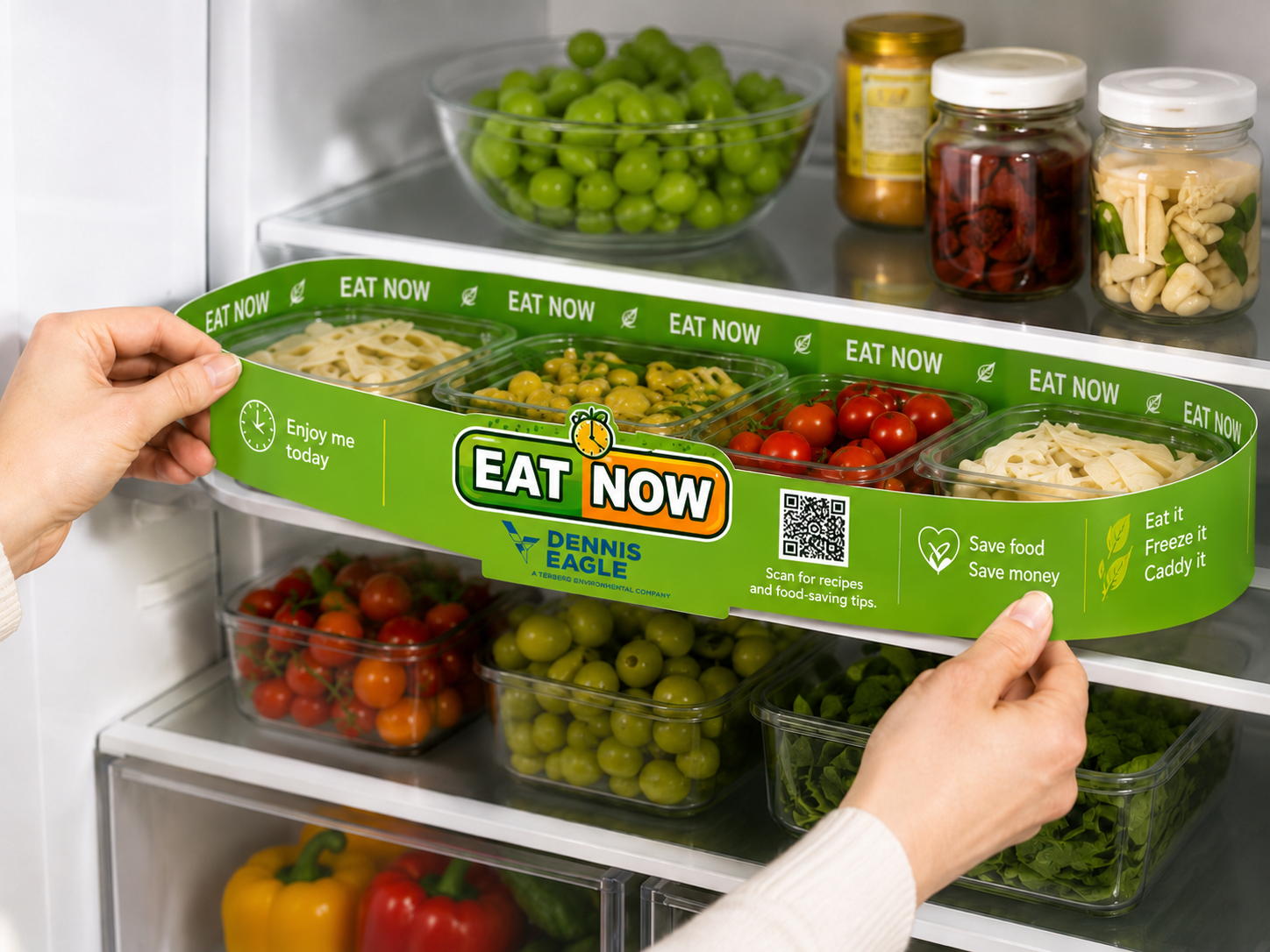
1
Fit
The Eat Now Strip arrives flat-packed and adjusts to fit neatly onto your fridge shelf, creating a clear space for food that needs using first.
2
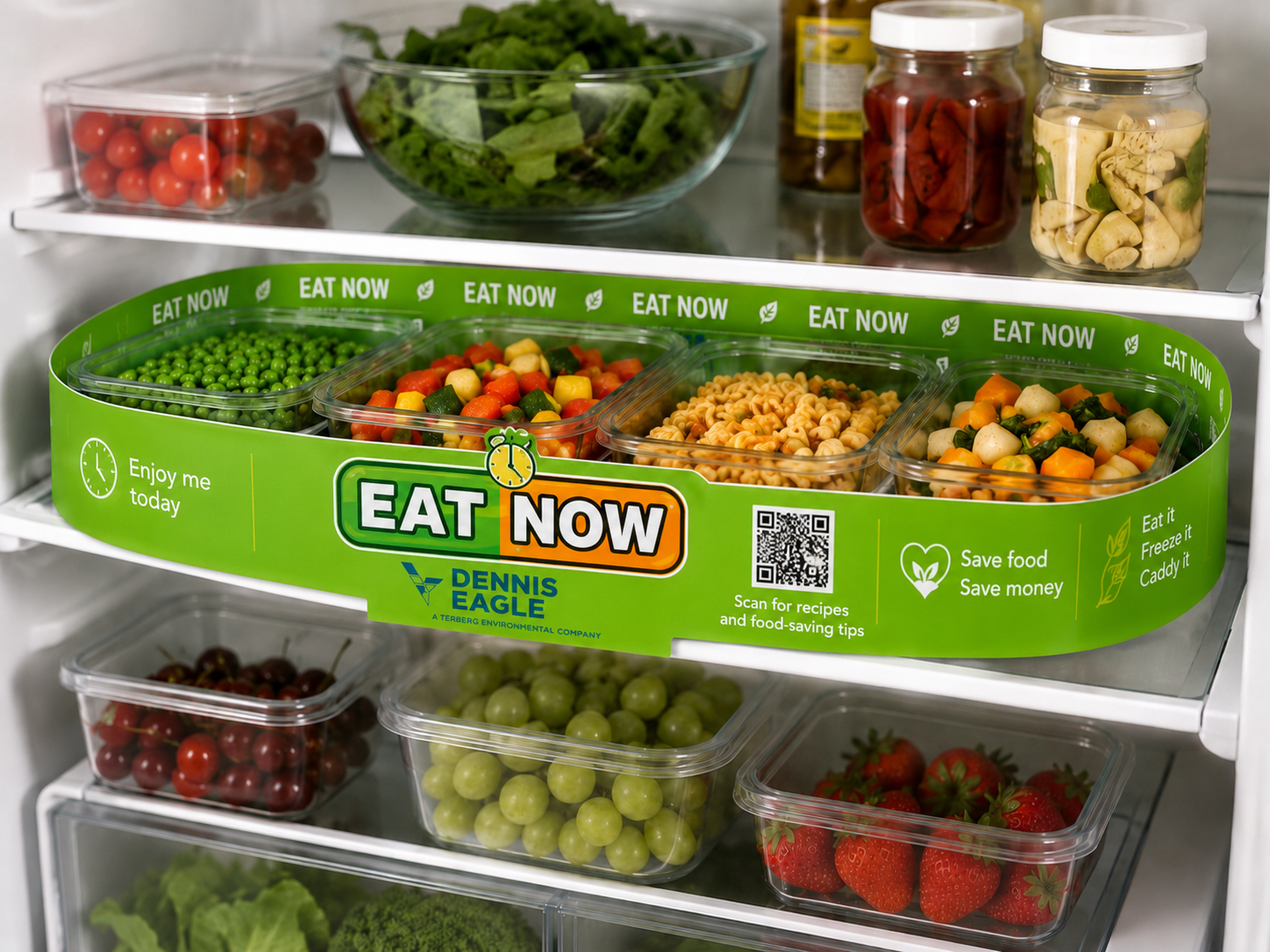
Fill
Place leftovers, opened food and anything that needs using soon inside the Strip, so it stays visible instead of getting forgotten at the back of the fridge.
3
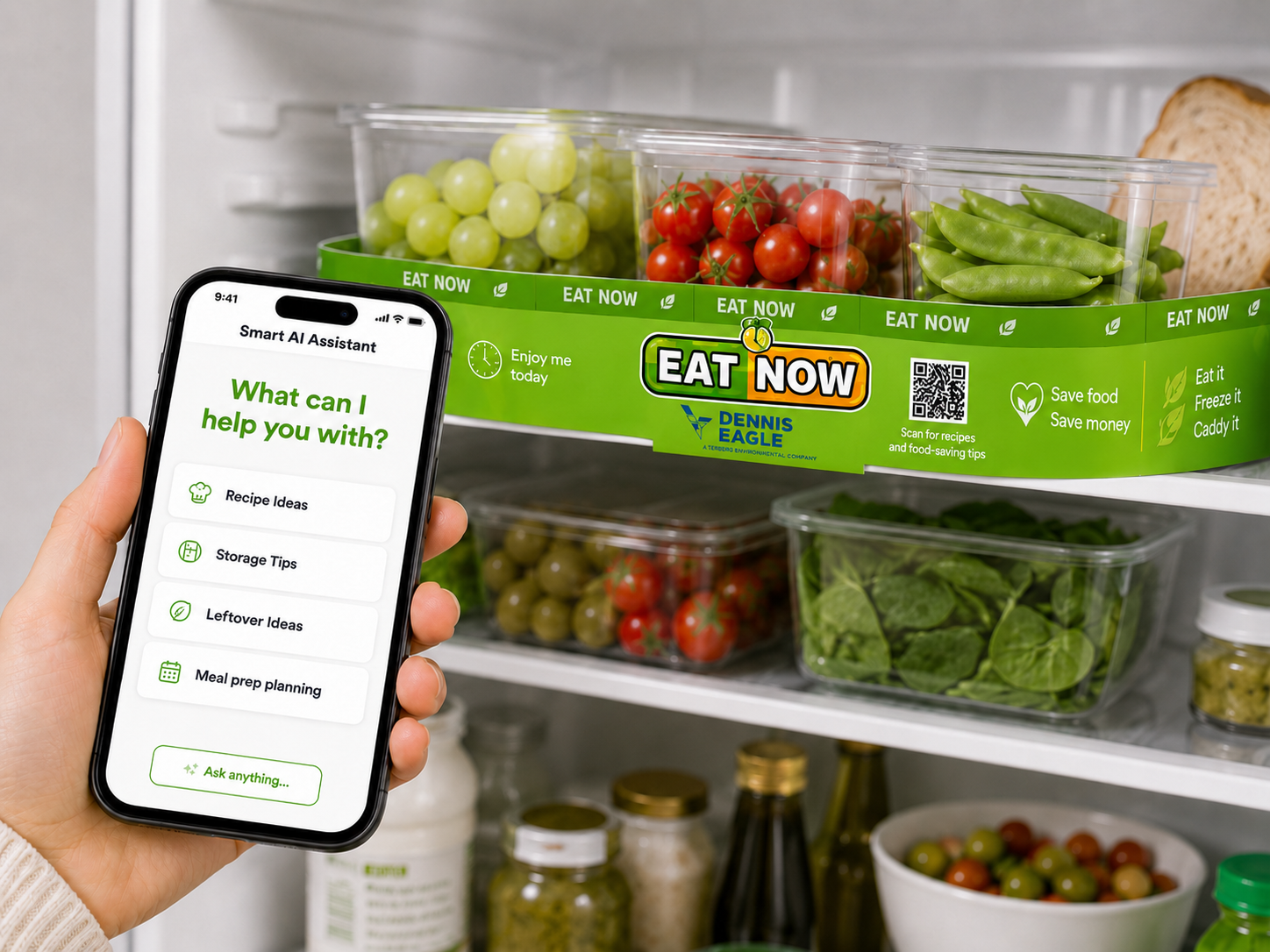
Scan
Scan the QR code to open the Food Saver AI Assistant for recipe ideas, storage and freezing advice, and simple food-saving tips.
4
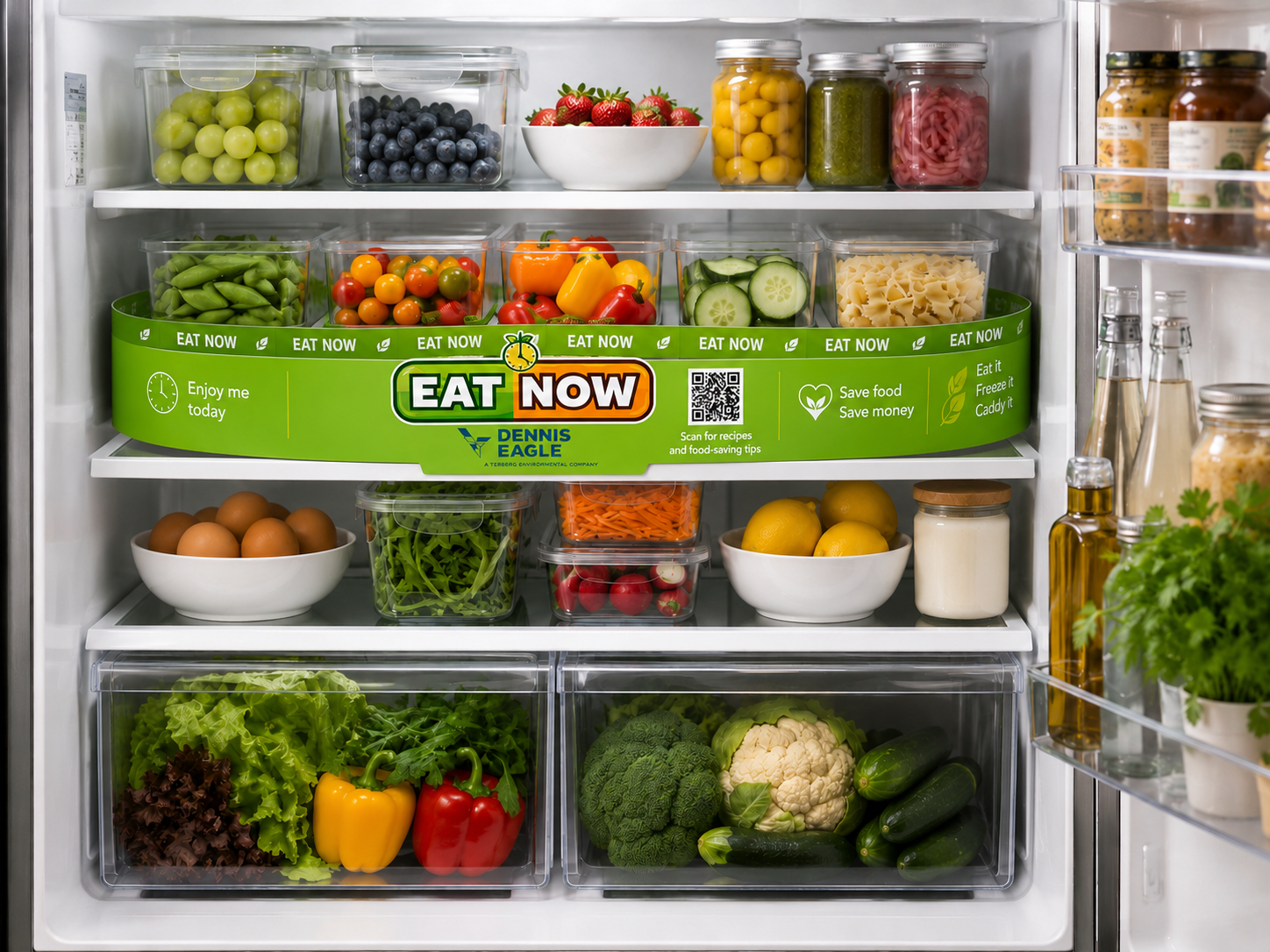
Save
Use food sooner, waste less, save money and make better use of what you already have.